The wall
One shelf per category, your favourites on top. Every card shows a live frame that refreshes while you browse, and the card you are on stays parked at the left so your eye never hunts.
◀ ▶▲ ▼
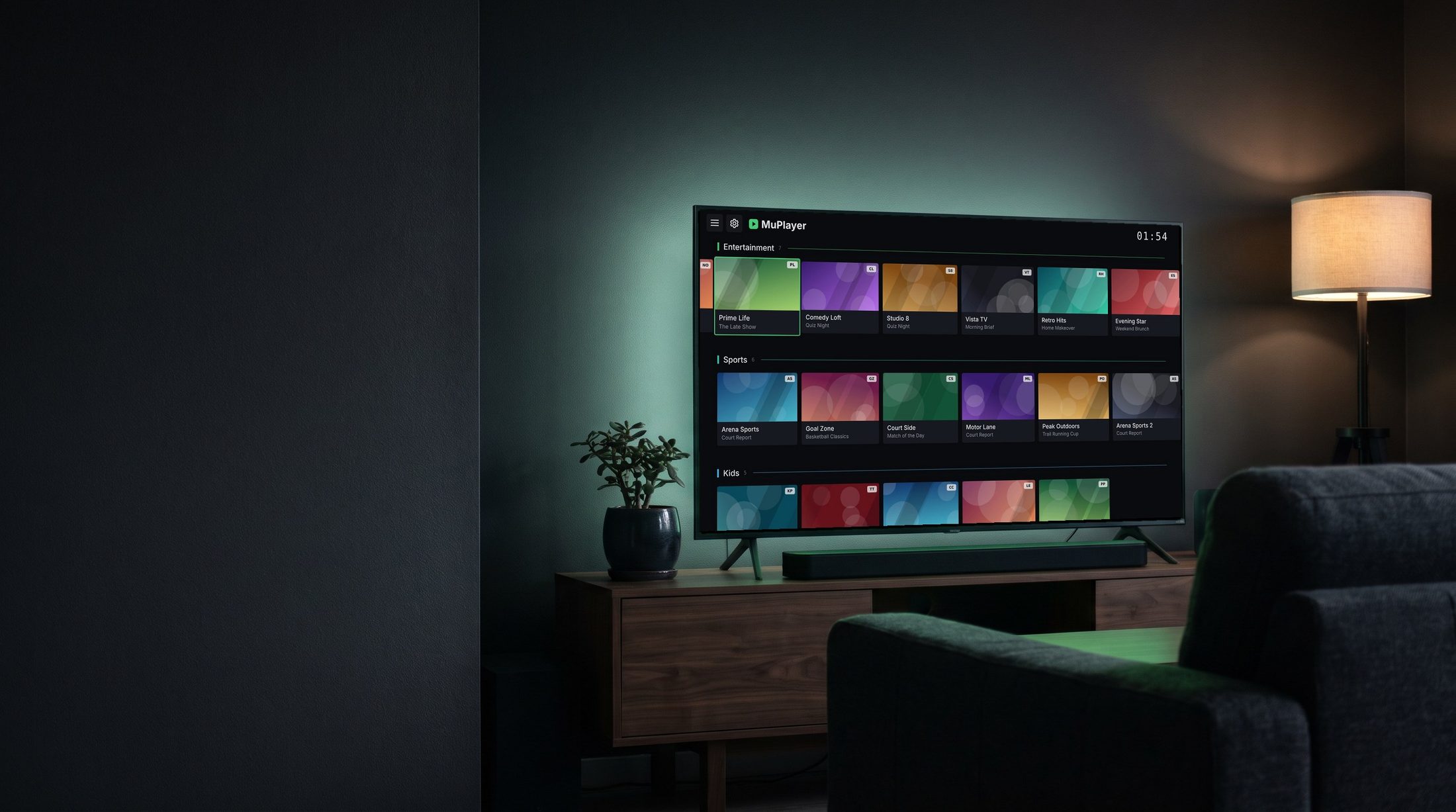
IPTV player for the living room
MuPlayer turns any M3U playlist into a wall of live channels. With live preview thumbnails. No mouse, no menus three levels deep.
ANDROID TVGOOGLE TVFIRE TVLG webOSSAMSUNG TIZEN
Download
The same app, the same keys and the same settings on every platform.

Chromecast with Google TV, Nvidia Shield, Sony, TCL, Philips, Xiaomi and every other Android TV box.
LG Smart TVs from 2016 onwards, with the Magic Remote pointer and the standard keys.
webOS 3 and newer
Samsung Smart TVs from 2017 onwards. Media, colour and channel keys work out of the box.
Tizen 3 and newer
Fire TV Stick and Cube, and Android boxes without Google Play. Install with the Downloader app, or by USB or adb.
APK link: muplayer.app/apk Universal APK · phones and tablets tooFeatures
Every screen was designed for a D-pad first. Nothing is more than two presses away.
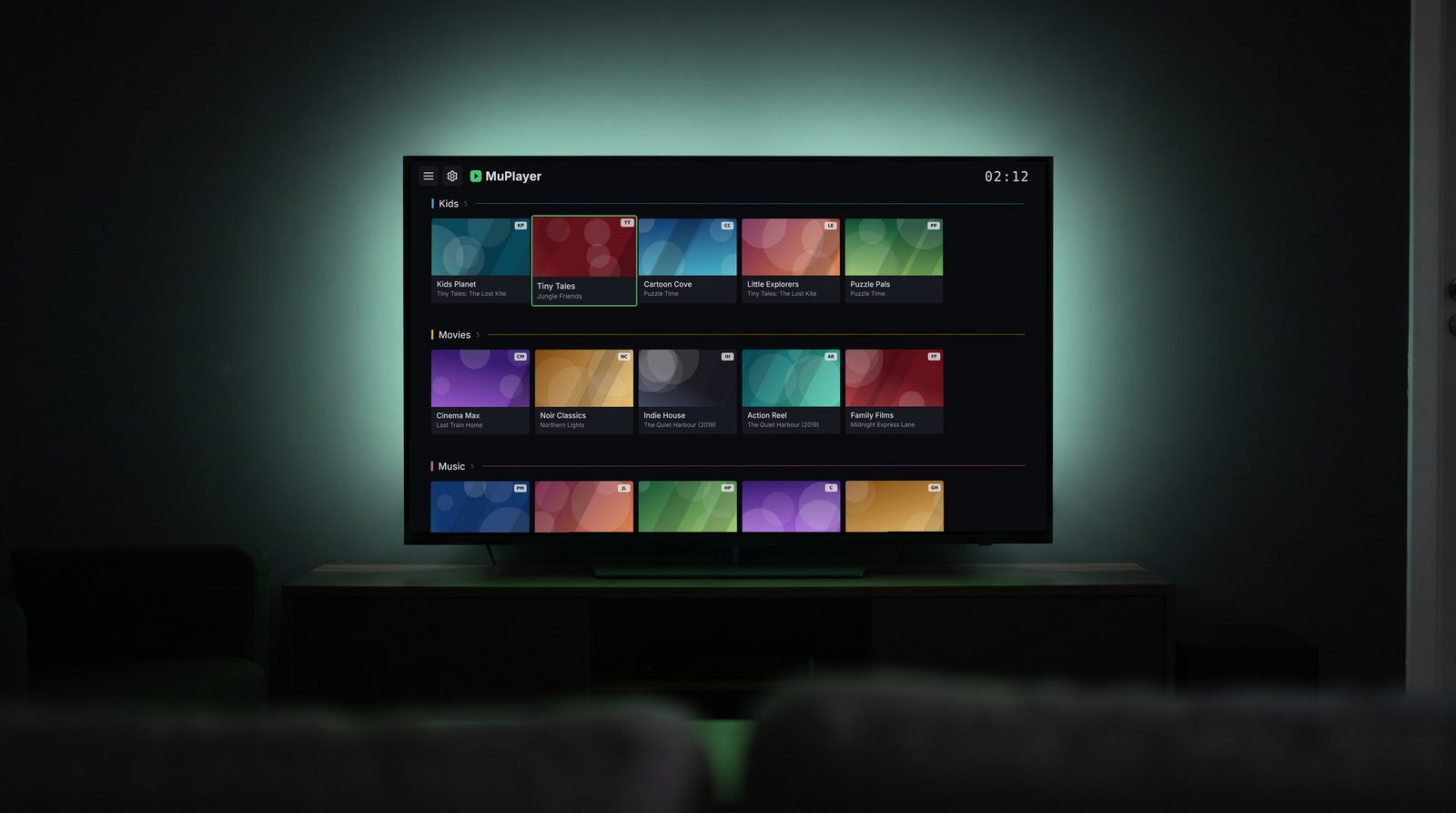
One shelf per category, your favourites on top. Every card shows a live frame that refreshes while you browse, and the card you are on stays parked at the left so your eye never hunts.
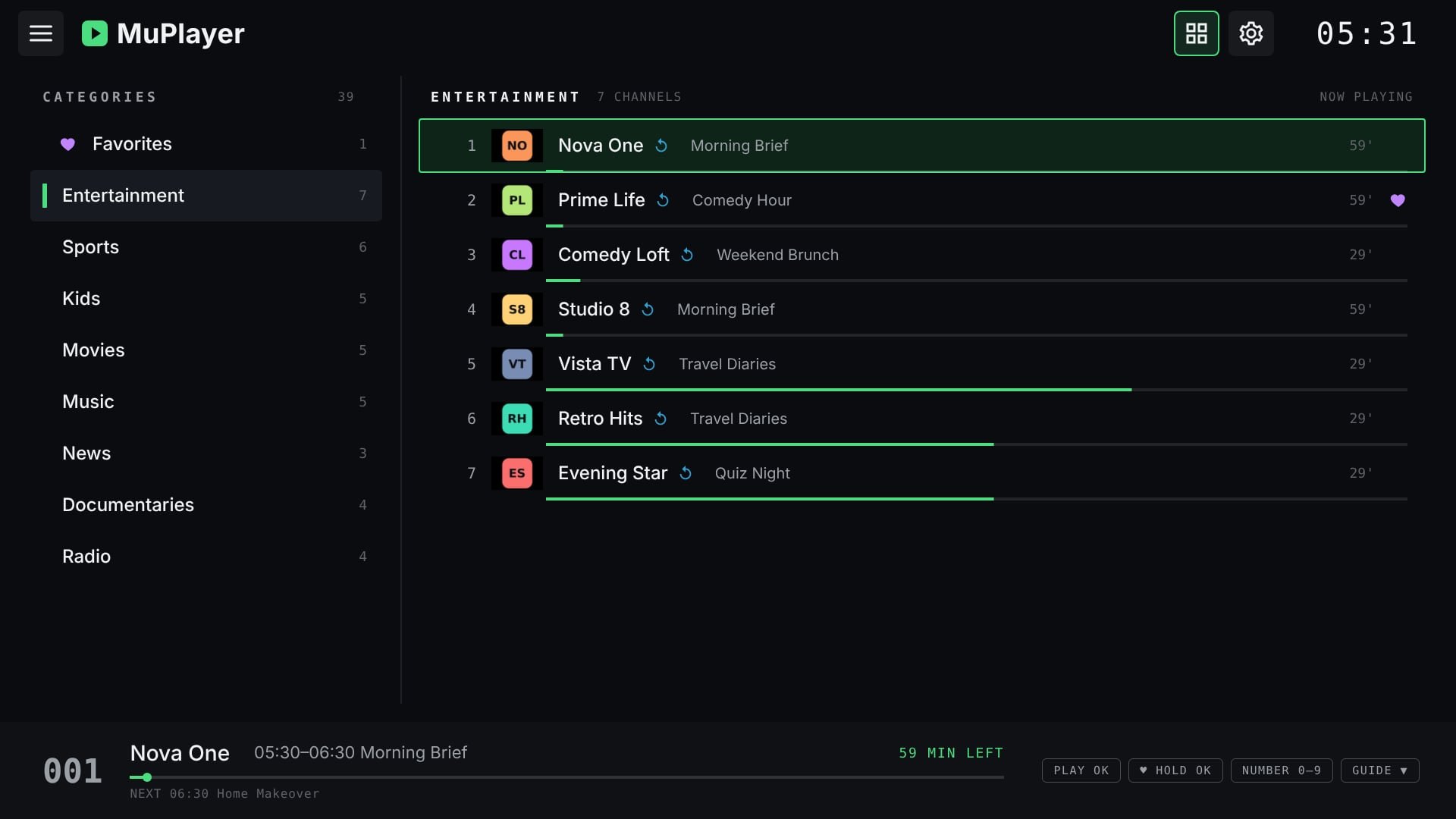
The classic view, for when you know what you want. Categories on the left, channels on the right, each with its number, logo, what is on now and how far through it is. Up and down move instantly, OK plays, and the bar below says what is on next.
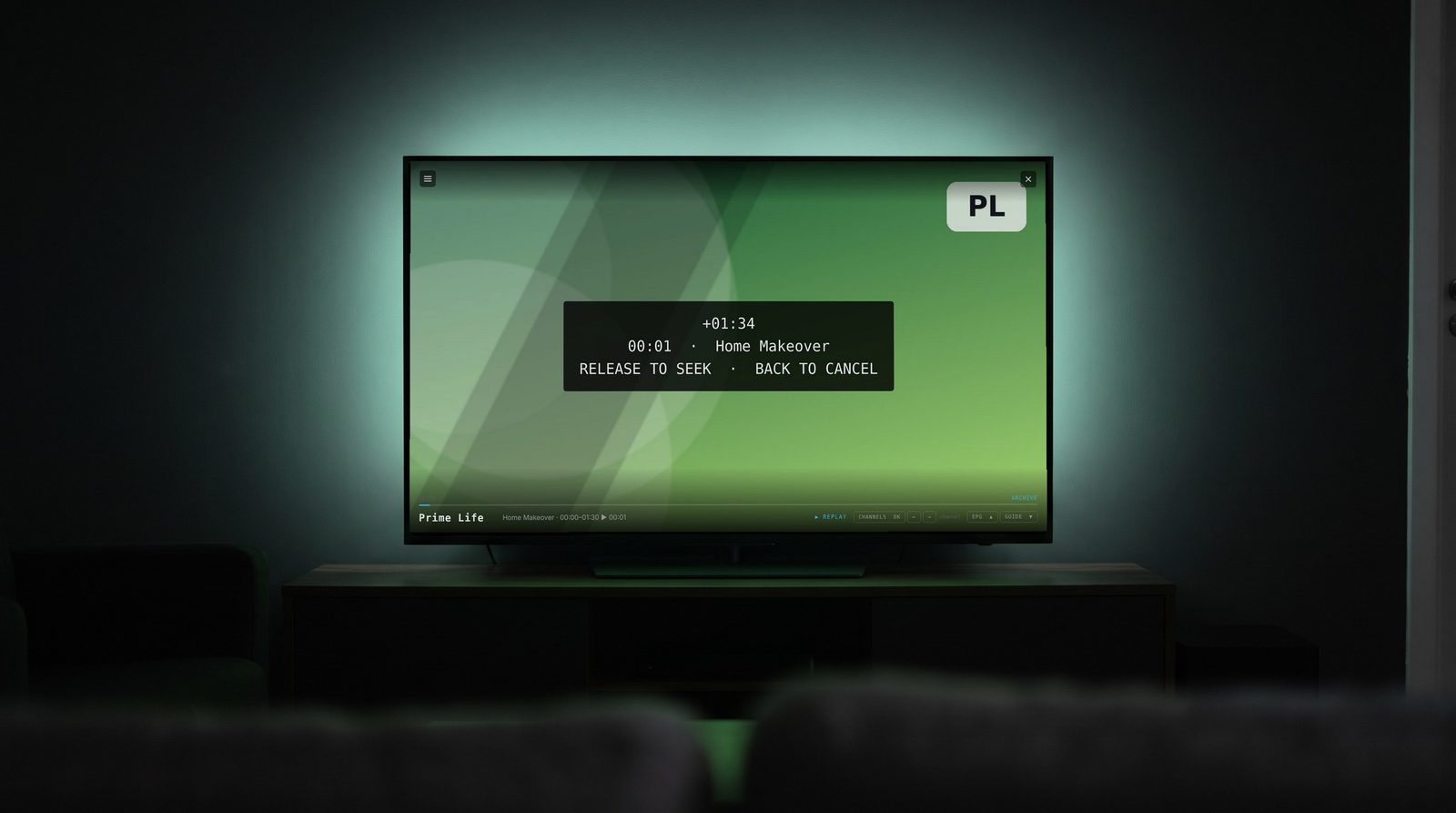
In a recording, hold Left or Right to move through the programme. The longer you hold, the faster it goes, and the screen shows where you will land. Let go to jump there.
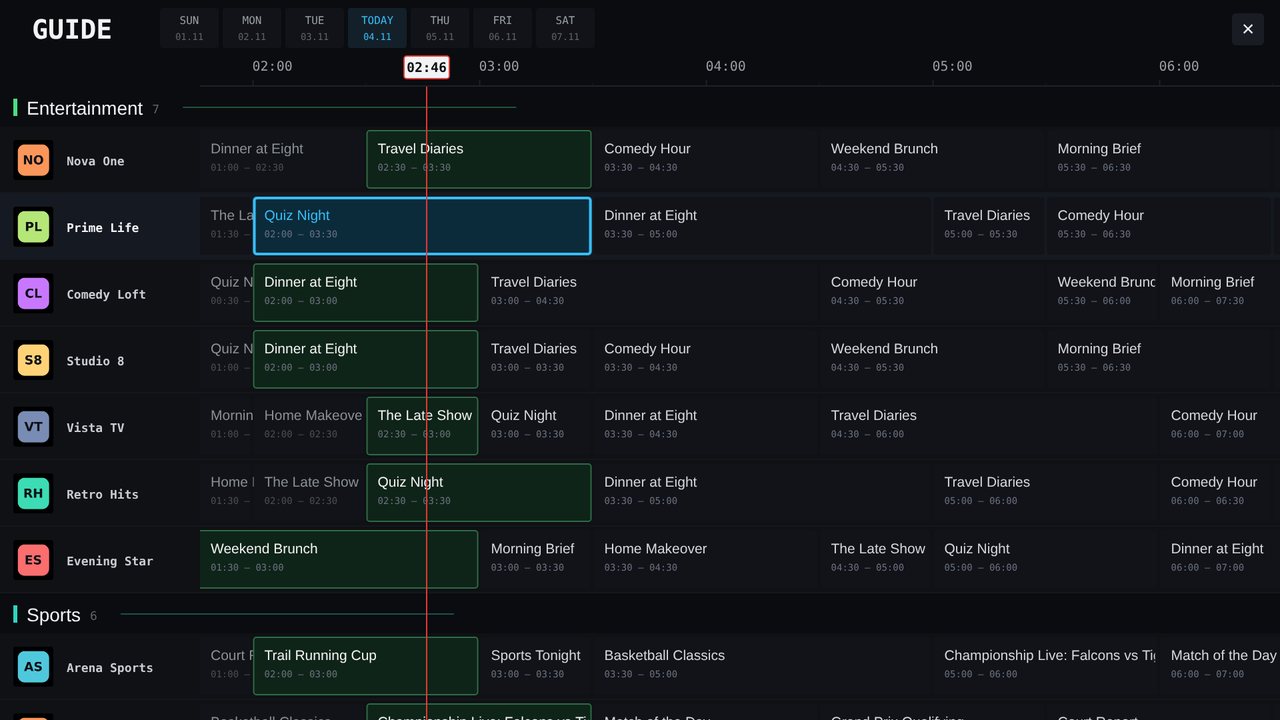
Timeline view with categories, a now line and day tabs, fluid with thousands of channels. Green is on air, cyan is what you are watching. OK on a past programme starts the replay.
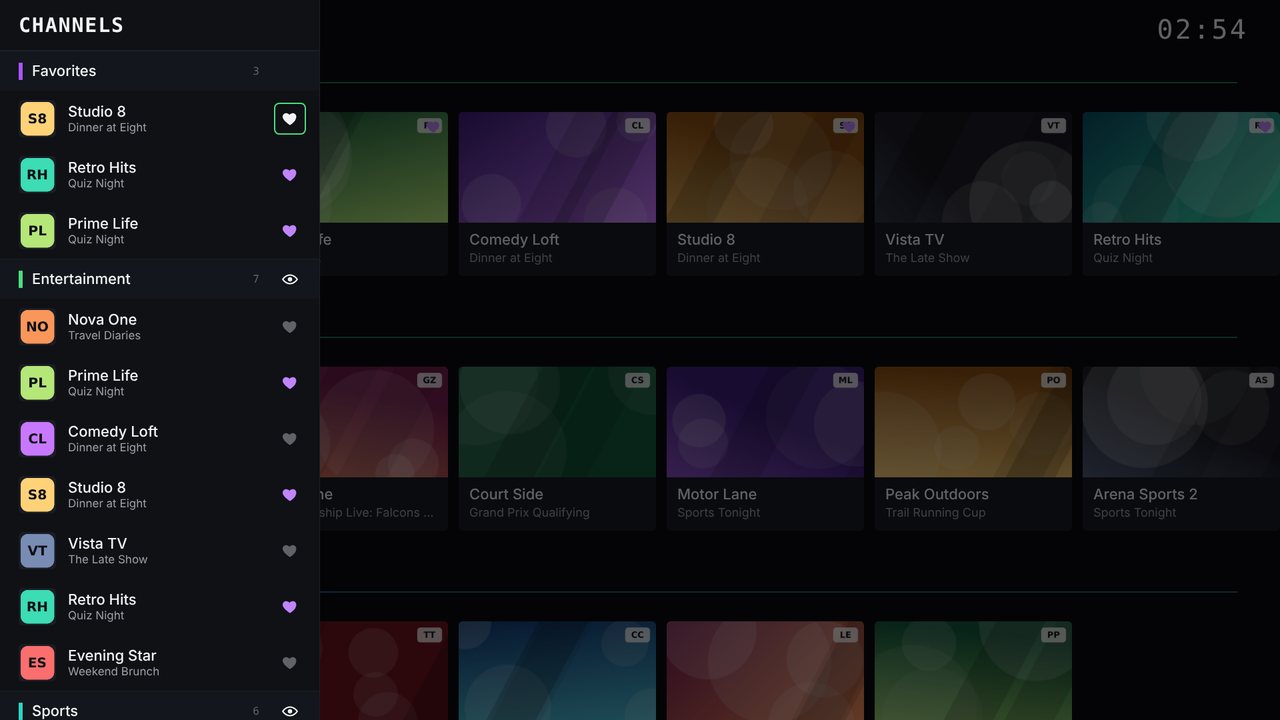
Heart the channels you watch most and they get their own shelf at the top of the wall. The drawer lists every category with what is on now, so the next channel is never far.
Phones and tablets
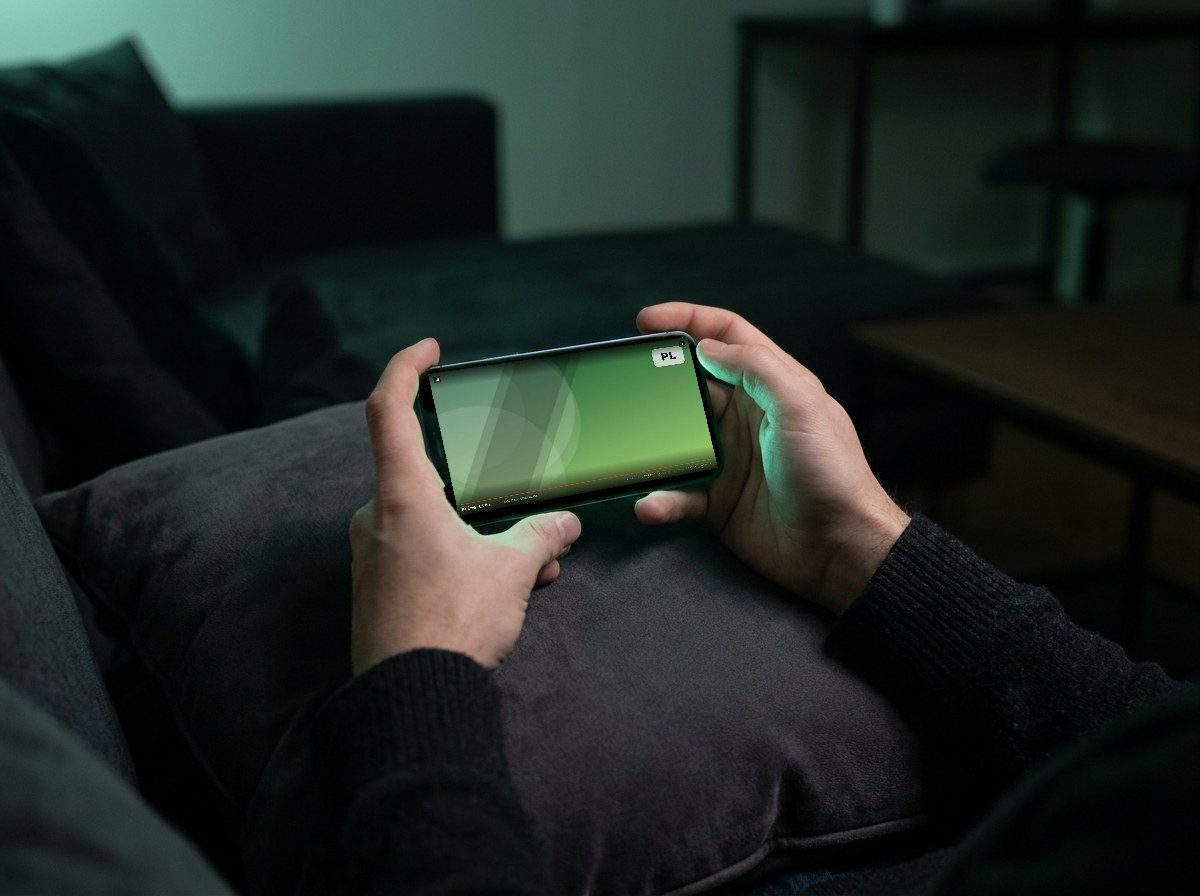
The Android APK runs on phones and tablets too. Same playlist, same favourites, same catch-up, turned sideways.
First start
MuPlayer plays the playlist your provider gives you. It does not include channels of its own.
From the store on Android TV, LG and Samsung, or with the APK on Fire TV and other boxes.
Type the M3U address your provider gave you. It is saved on the TV, so you do it once.
The wall fills with your categories. Guide data, thumbnails and catch-up come from the same playlist when your provider supports them.
FAQ
No. MuPlayer is a player. You need a playlist from a TV provider or one you made yourself. The channels on this page are demo content made for the screenshots.
Android TV and Google TV devices from Android 5.0, Fire TV sticks and cubes, LG TVs with webOS 3 or newer (2016 onwards) and Samsung TVs with Tizen 3 or newer (2017 onwards). Phones and tablets run the Android APK too.
Write to [email protected] with your TV model and what you pressed. A photo of the screen helps.
Downloader is a free app on Fire TV and Android TV that fetches a file from a web address and installs it.
Prefer a cable? The same file is at muplayer.app/download/MuPlayer.apk for USB or adb install. Updates install over the old version; settings are kept.
Fire TV hides this switch. It takes a minute and is needed once.
Menu names cover Fire OS 5 to 8. You can turn the switch off again after installing.